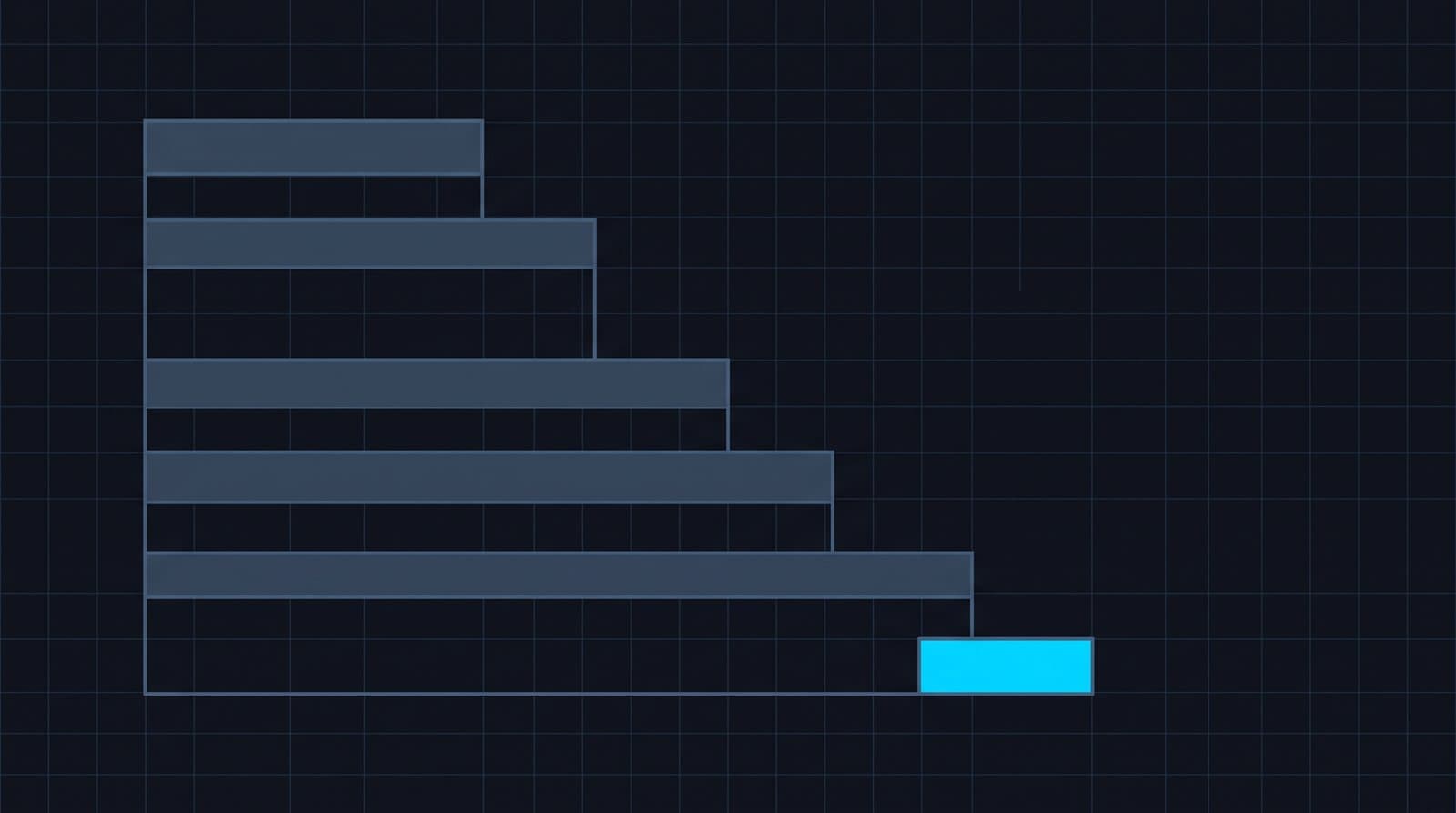
Agents change the shape of AI cost. A normal API call costs what it costs. An agent makes many calls per task — planning, tool use, retries, reflection, multi-step workflows — and the number of calls is dynamic. That's powerful, and it's exactly what makes agent cost hard to budget for.
Why agents break cost assumptions
- Loops. A planner-executor loop that should run twice runs twenty times because a stopping condition didn't trigger. Token volume 10x's overnight.
- Retries. Failed tool calls or transient errors retry, multiplying requests per task invisibly.
- Fan-out. A single user action spawns parallel sub-agents or tool calls, each with its own cost.
- Context growth. Each step appends to the context, so later steps in a workflow cost more than earlier ones.
None of these show up as "more users." They show up as more cost per task — which a per-seat or per-user mental model completely misses.
What to monitor
The unit that matters for agents is cost per task (or per workflow, per conversation), not cost per call. Watch:
- Requests per task, against a baseline — a jump means a loop or retry problem.
- Cost per workflow by type — which agent workflows are expensive.
- Token growth across steps — context that compounds.
Then alert on anomalies the day they start, because a runaway loop is a same-day problem, not a month-end one.
Controlling it
StackSpend's AI agent cost control tracks agent-driven spend by provider, model, and workflow, and fires anomaly alerts when request volume or cost-per-task spikes — so a runaway agent is a notification within hours, not a line on next month's invoice. For Claude-based agents specifically, see Claude cost monitoring; for the broader picture, LLM cost monitoring.
FAQ
Why do AI agents cost more than expected?
An agent turns one user request into a chain of model calls — planning, tool calls, retries, and re-reading context. Cost scales with the number of steps rather than the number of requests, so a small increase in task complexity can multiply spend.
What should I monitor on an agent workload?
Track cost per completed task rather than cost per request, plus the number of steps per task and the retry rate. A rising step count with flat task volume is the earliest signal that an agent has started looping.
How do I stop an agent loop from running up a bill?
Cap steps per task, set a hard timeout, and alert on cost per task rather than daily total. A daily total hides a loop until the day is over; cost per task moves within minutes.